I think reroute nodes are fairly well-known, but there were a few things I didn’t realize at first that made them much faster and more useful to work with.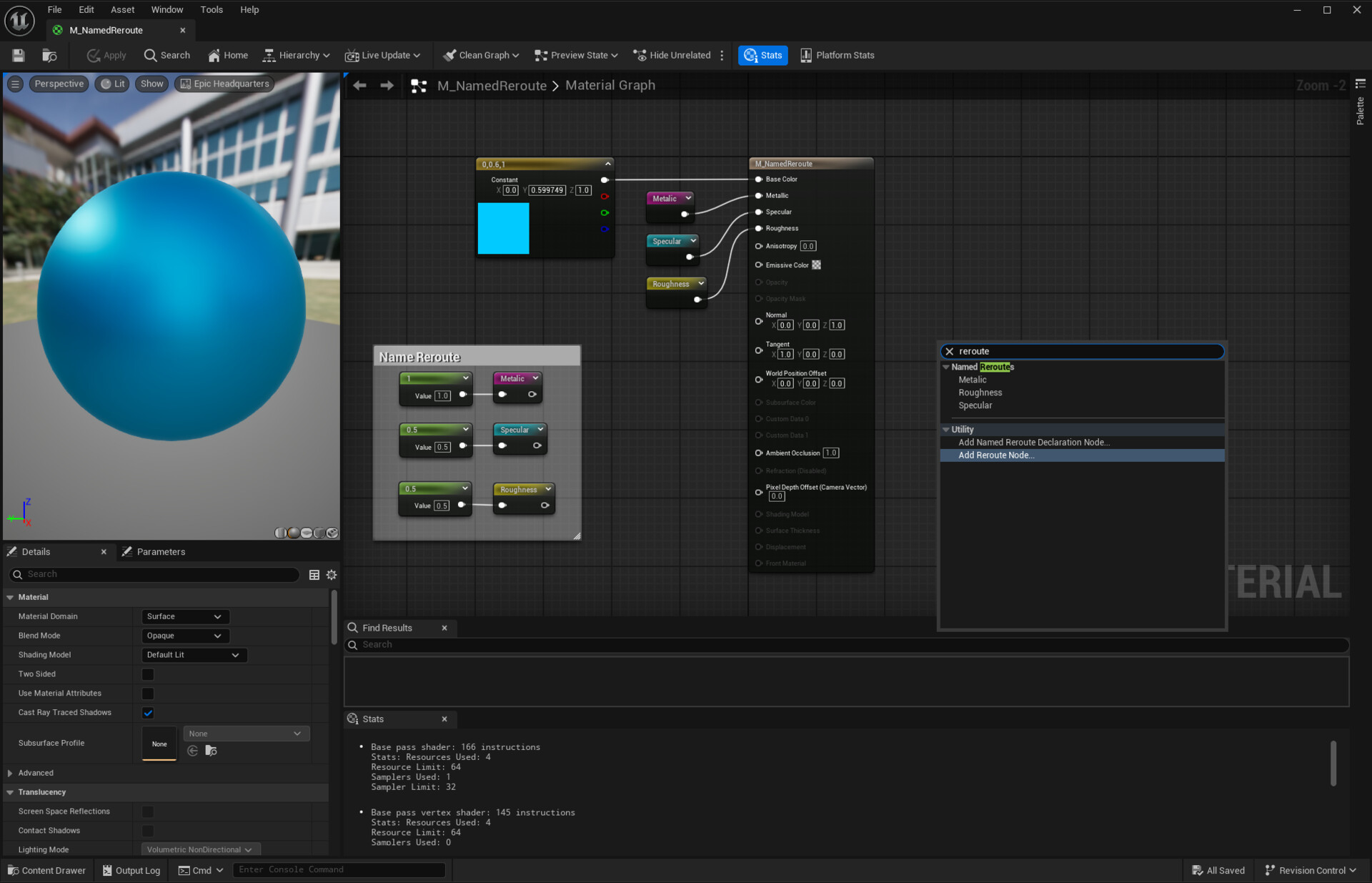
There are two ways to create reroute nodes.
The first method is by right-clicking on the event graph—either with a clean right-click or while dragging a connection—and then typing "Reroute" in the context-sensitive menu.
The second method is even quicker: you can simply double-click on a connection line to create a reroute node instantly. This is a much faster and more efficient way to add them. One approach I like to use with reroute nodes is bringing a single connection strand closer to where the information is needed and then branching out from there. This helps avoid having multiple independent cables crossing over other blueprint nodes.
As shown in the example above, this method keeps things much cleaner especially when the data source is far from where it's needed.
Another way to stay organized is by adding comments and colours to reroute nodes. This makes it easier to quickly understand what a variable represents at a glance. While this isn’t always necessary when the source is nearby, it becomes incredibly helpful when dealing with distant or complex node setups.